 Wakio
Wakio
Automation
The welcome series you keep meaning to set up.
Start a sequence when someone joins a list, or on a date you keep for each contact. Every step goes out inside the hours you choose.

How it works
From a trigger to a running series.
-
1
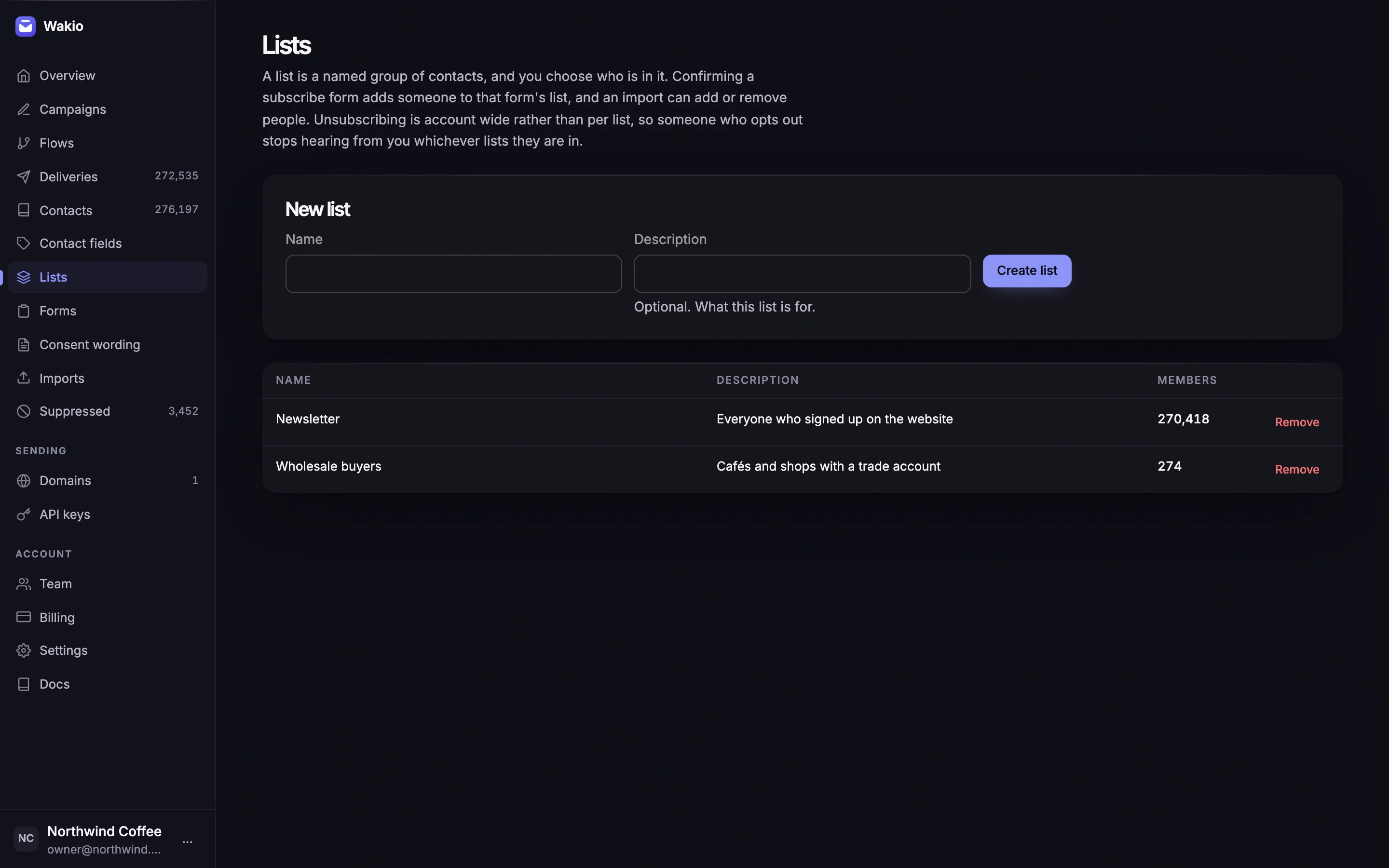
Choose a trigger
Enroll a contact when they join a list, or on a date stored in one of their contact fields, or a set number of days before or after it.
-
2
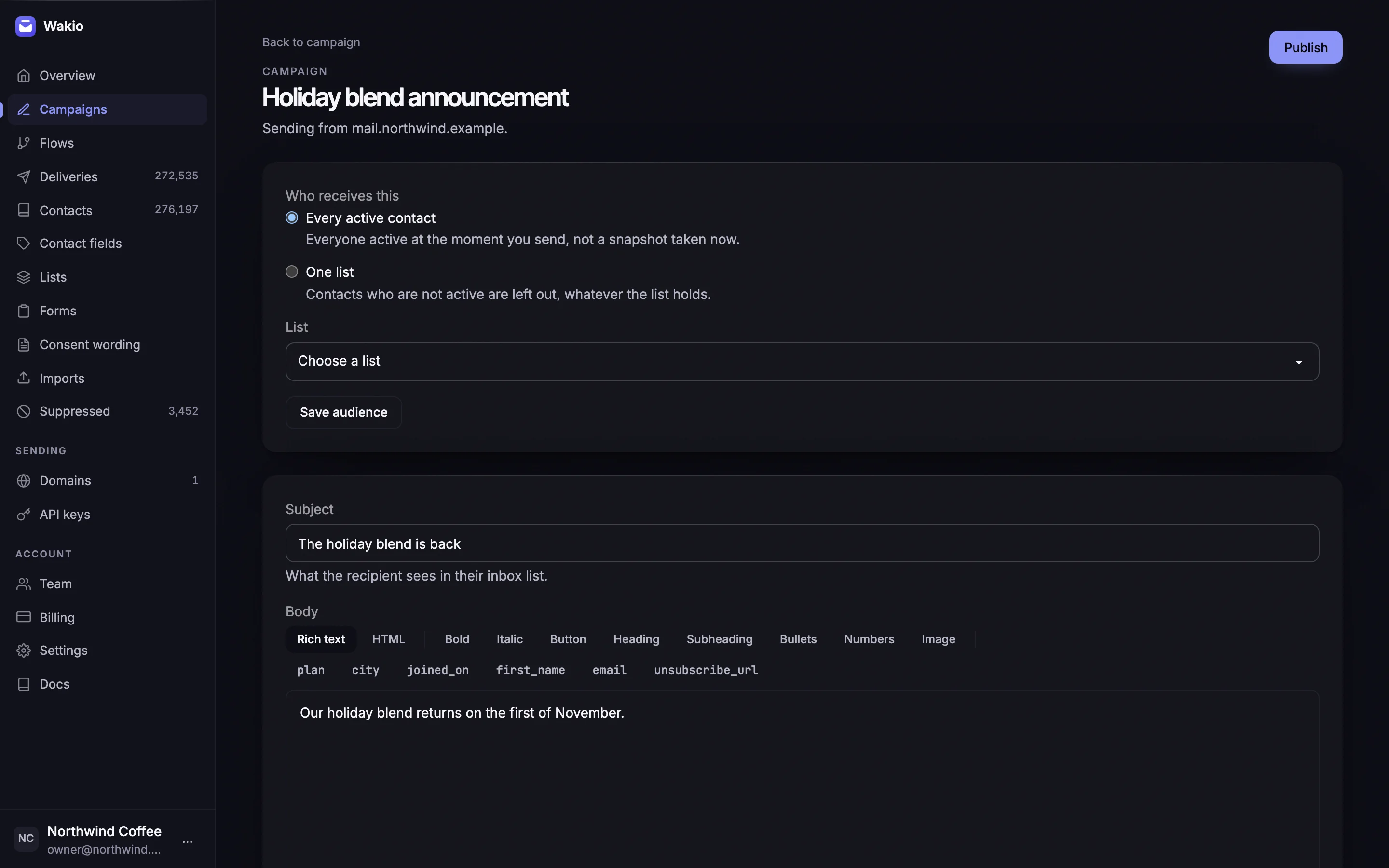
Write the steps
Each email is written in the same composer as a campaign, with a wait of minutes, hours or days before it goes out.
-
3
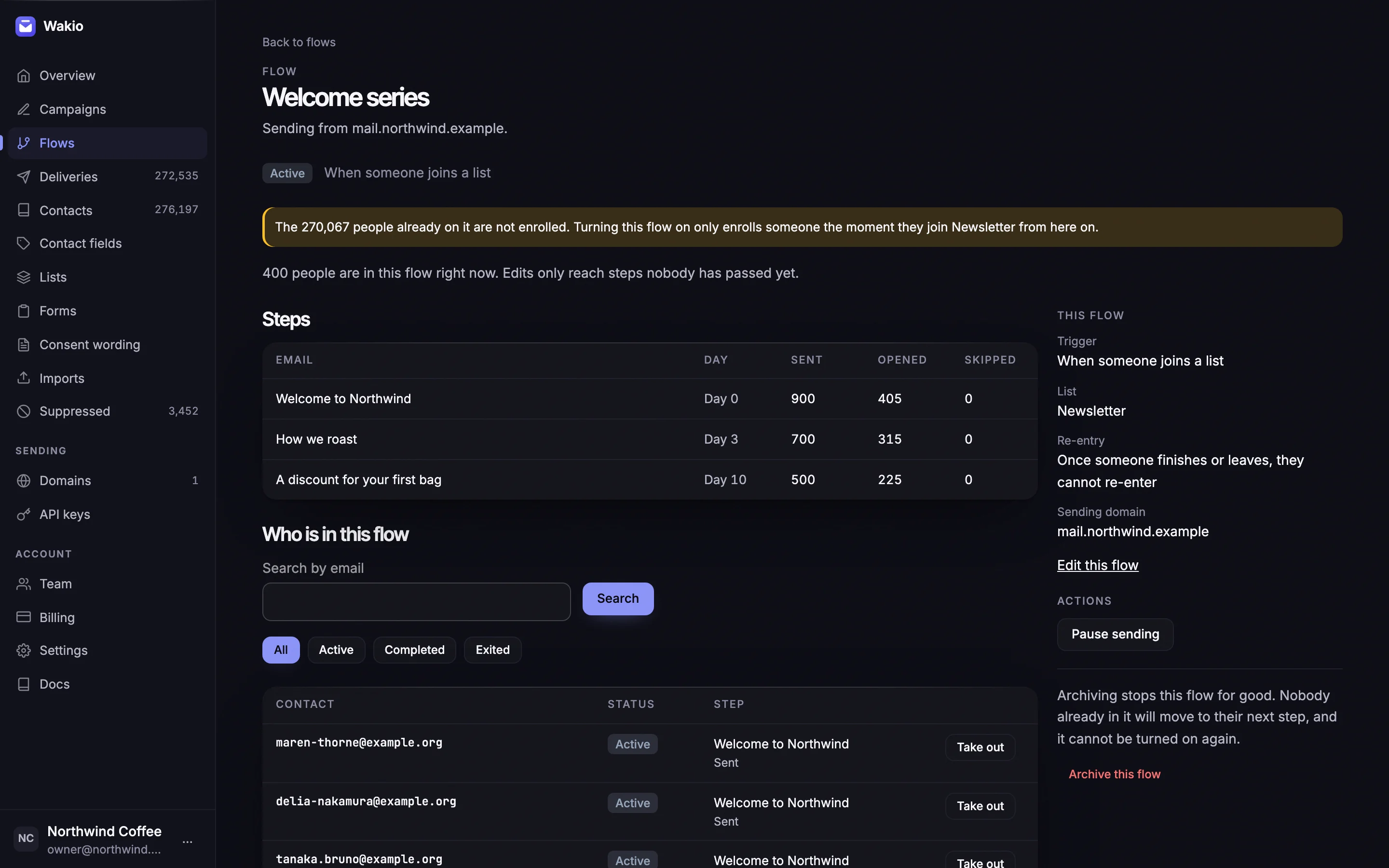
See who is where
Search a flow by email, filter by active, completed or exited, and take someone out by hand. Each step shows how many it has sent and skipped.


Send window
Automation sends inside the hours you set.
Set the hours your automation may send in, in your account's time zone, and give a single flow its own. A step that comes due outside those hours waits until they open, including the first email of a series.

Start with the email you already send.
Connect a domain, send your first receipt through the API, and bring your list over when you're ready.